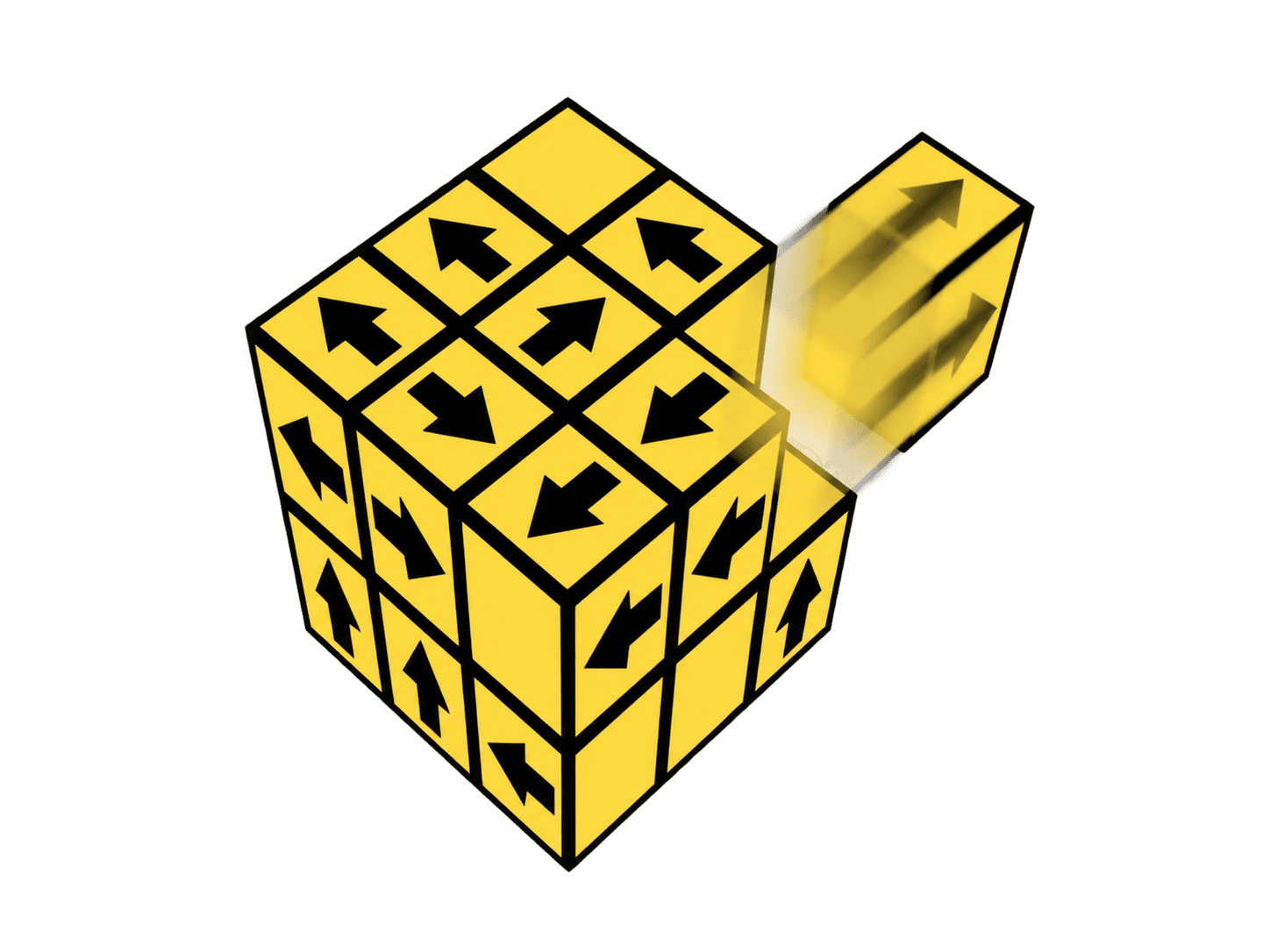
3D block escape
Tap Away 3D
By stelennnn
Rotate a cluster of blocks and find the arrows with a clear way out.
Play hereFive rounds. Guess the real-world size.
American Football 27.9 cm wide
Drag the corner, or slide along the ruler. Zoom changes the view, not your guess.
Drag corner or ruler
Controls: Drag the corner or slide along the ruler. Use − / + to zoom. With a keyboard, focus the blue board and use the arrow keys to adjust, then press Lock it in.
Before adjusting the silhouette, picture the reference repeated end to end. Would this object be two people tall, half a car long, or three planets wide? Judge the labeled dimension, rather than the amount of colored space.
Some comparisons use familiar objects; others ask you to compare landmarks or planets. The drawings are silhouettes that keep their original proportions. Use the measurements as your anchor.
For a different kind of visual puzzle, try Arrow Puzzle or today’s arrow challenge.
Size It Up is a visual size comparison game. You estimate a real-world dimension by resizing an object beside a labeled reference, then see how close your guess came. This browser version uses 1,406 silhouettes and comparison entries from PlayDaily Size It Up, with locally implemented controls.
Yes. You can play unlimited five-round runs in your browser, without an account or download. New runs shuffle the comparisons. This version is an unlimited practice game; it does not have a daily puzzle limit.
A round starts with a score from 0 to 100. An error ratio of 1.05 or less earns 100; a guess at least four times too large or too small earns 0. Between those limits, the score falls with the logarithm of the ratio error, so double and half earn equal points. The five multipliers are ×1, ×1, ×2, ×3 and ×3, making a perfect run worth 1,000 points.
The comparison catalog comes from PlayDaily Size It Up and includes everyday objects, animals, vehicles, buildings and space. Measurements are representative comparison values; individual objects and animals can vary. Check whether the task compares height, length, width or diameter. This version uses the catalog’s linear comparisons, rather than country-area questions.
Yes. Drag the corner or slide along the ruler on a touchscreen. With a keyboard, Tab to the blue board and use the arrow keys to resize; hold Shift for larger steps. The zoom buttons change the view. Tab to Lock it in and press Enter to submit.
Your highest completed run is saved on this browser when local storage is available. It does not sync across devices. You can also share or copy your five-round result.
Silhouettes and comparison catalog from Size It Up on PlayDaily. Game controls implemented locally by Arrow Puzzle; not affiliated with PlayDaily.
By stelennnn
Rotate a cluster of blocks and find the arrows with a clear way out.
Play here
By QkyGames
Guide yellow arrows to their targets with a carefully chosen sequence of moves.
Play here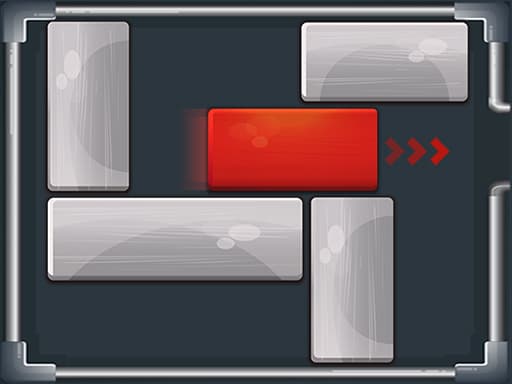
By Inlogic Software s.r.o.
Slide the surrounding blocks out of the way and free the red block.
Play here